
Know what to practice. Know what comes next.
Band practice and audition preparation. iPhone. Ages 13 and up. Choose from 12 instruments.
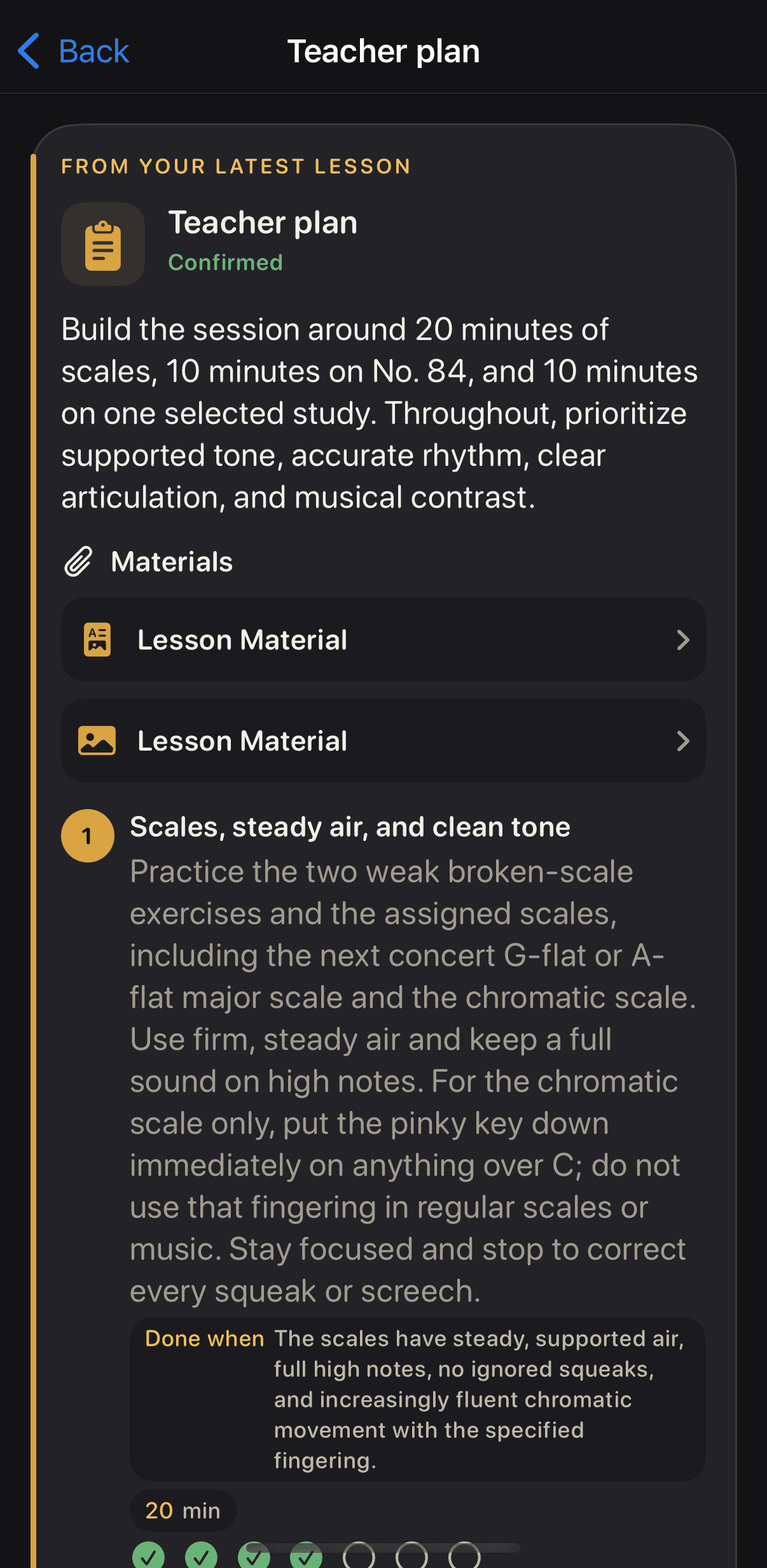
Open a plan and work through each step. Your teacher sees the completed work and assigns what comes next.
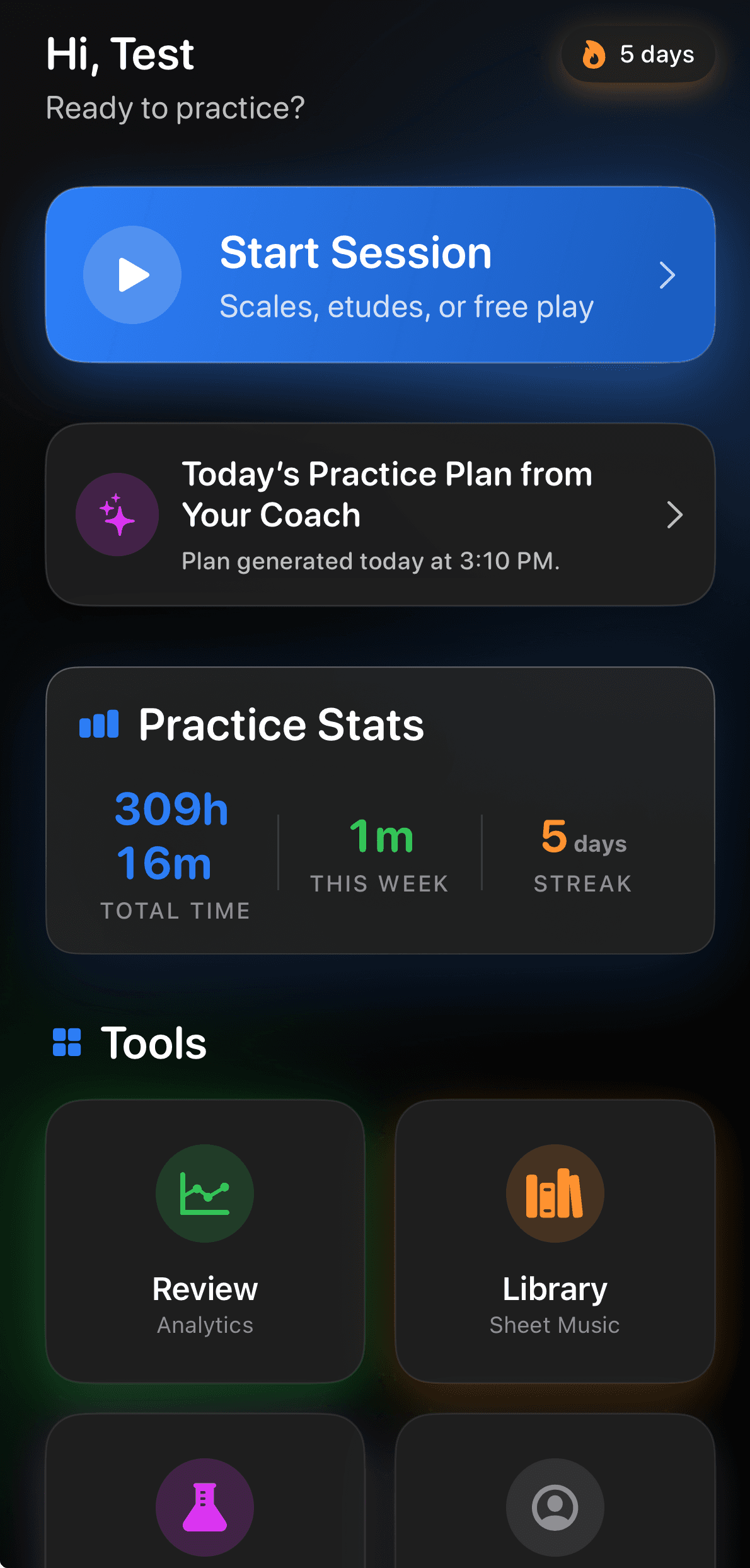
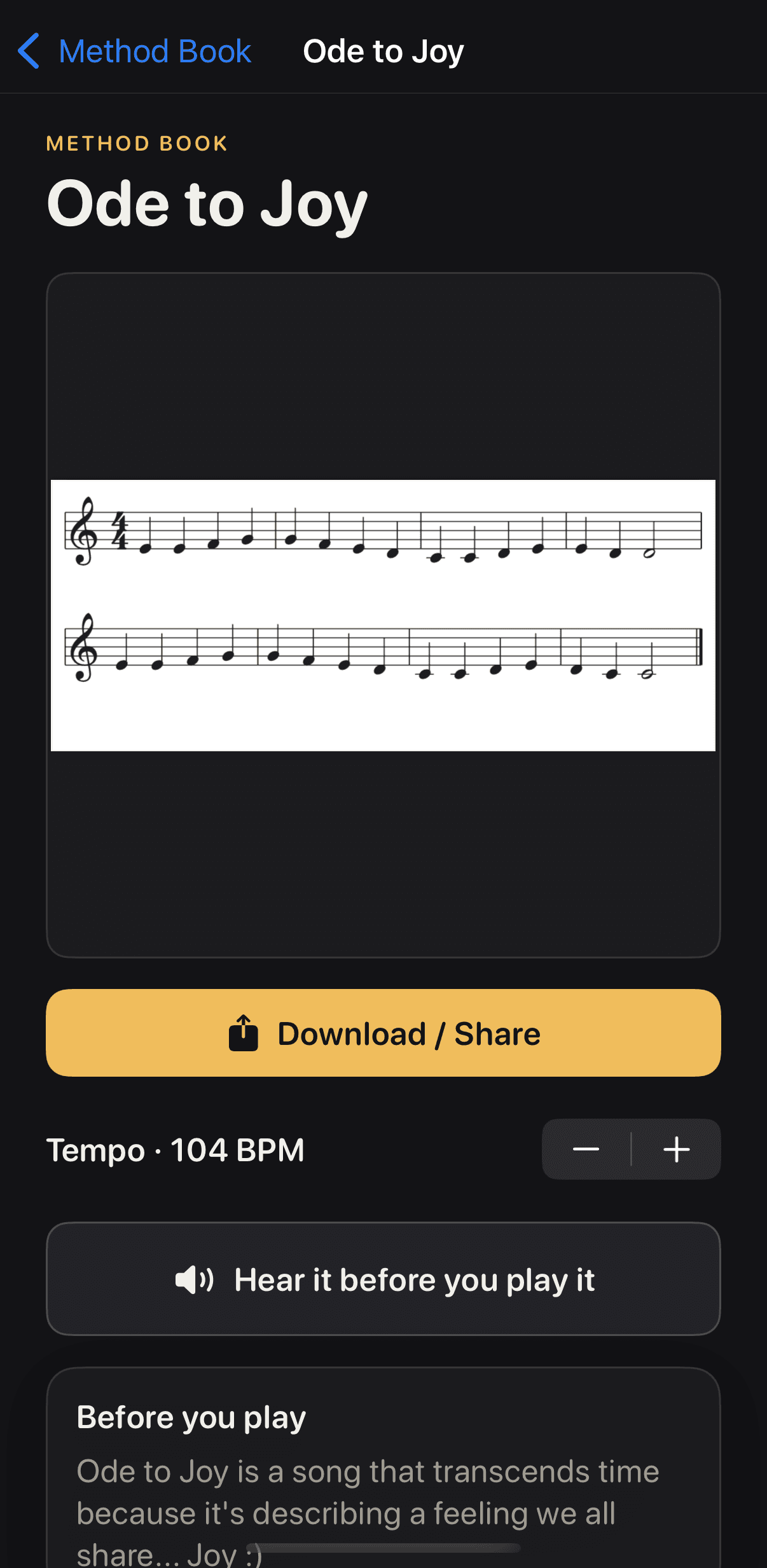
On your own: choose a Method Book exercise, practice it, then review your progress.
Student access: first month free. Then $9.99 per month or $79.99 per year. Teacher accounts are free, permanently.
Invite and connect
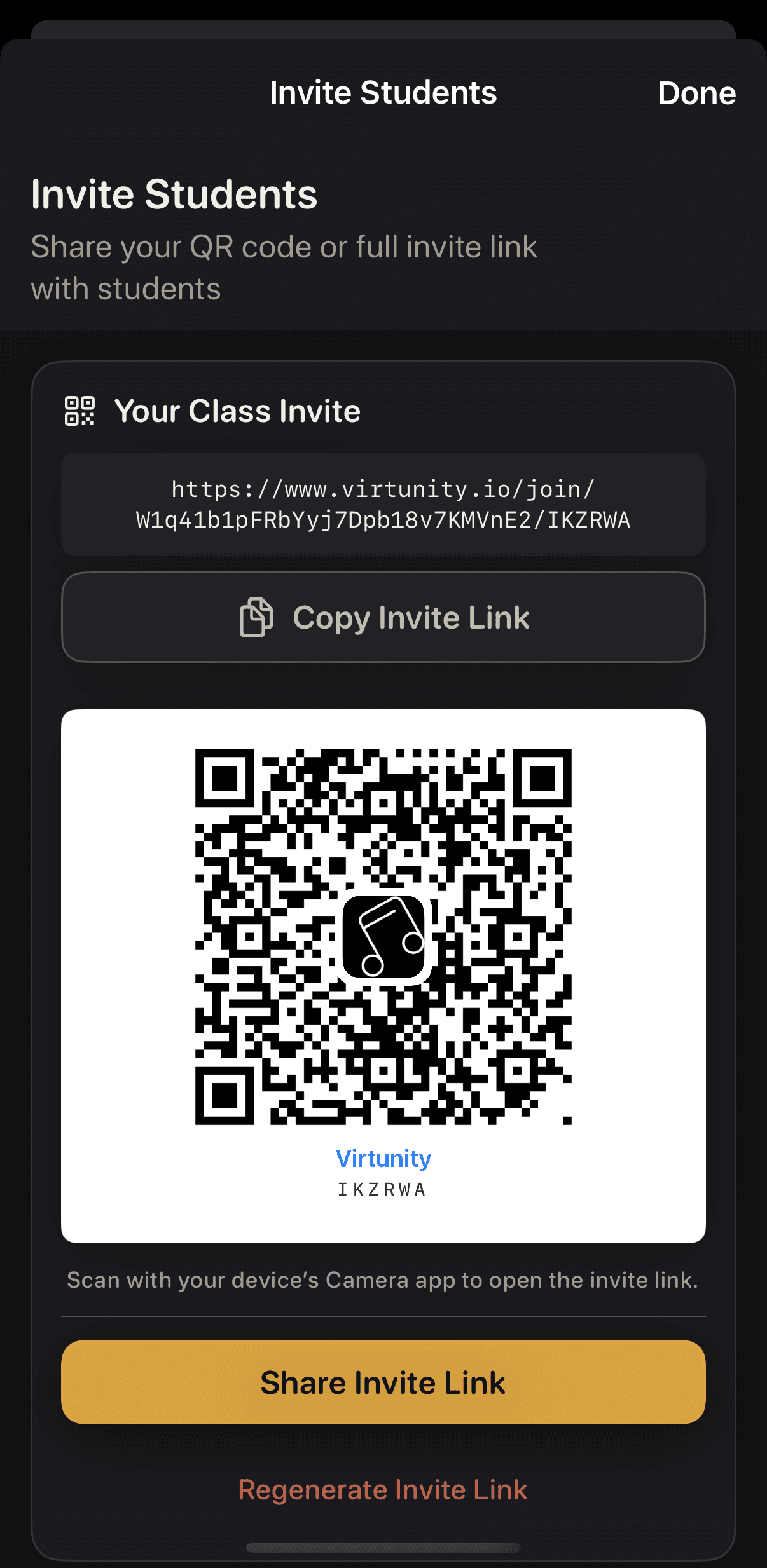
Connect through your teacher's invitation.
Open your teacher's invitation link to connect. You control the connection and can stop sharing a recording at any time. Your teacher sees a final take only when you choose to share it.
Open the plan
Start with work you can follow.
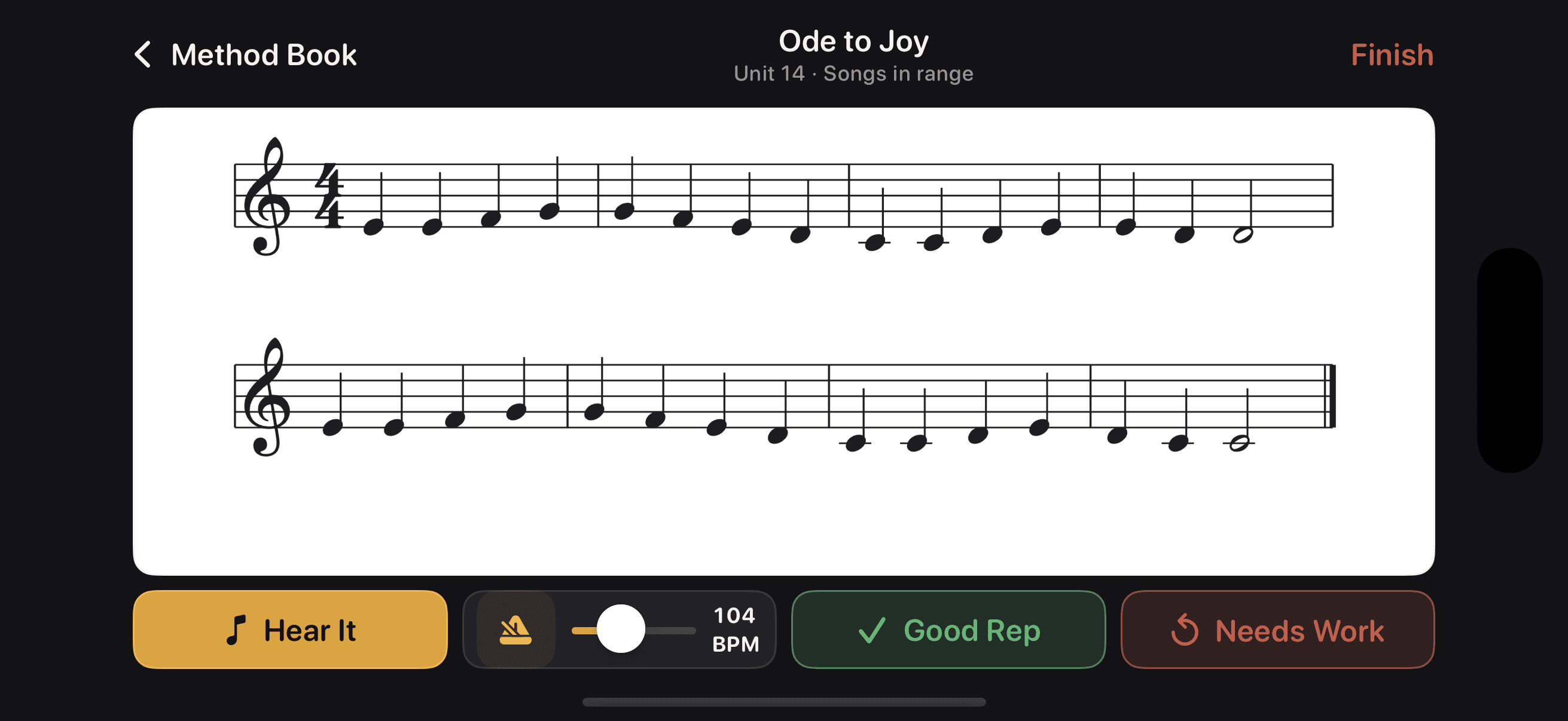
Teacher-published plans keep your assigned work together. For practice on your own, choose an exercise from the Method Book. It has 12 instrument editions and keeps your progress when you close and reopen the app.
Practice
Keep the tools with the work.
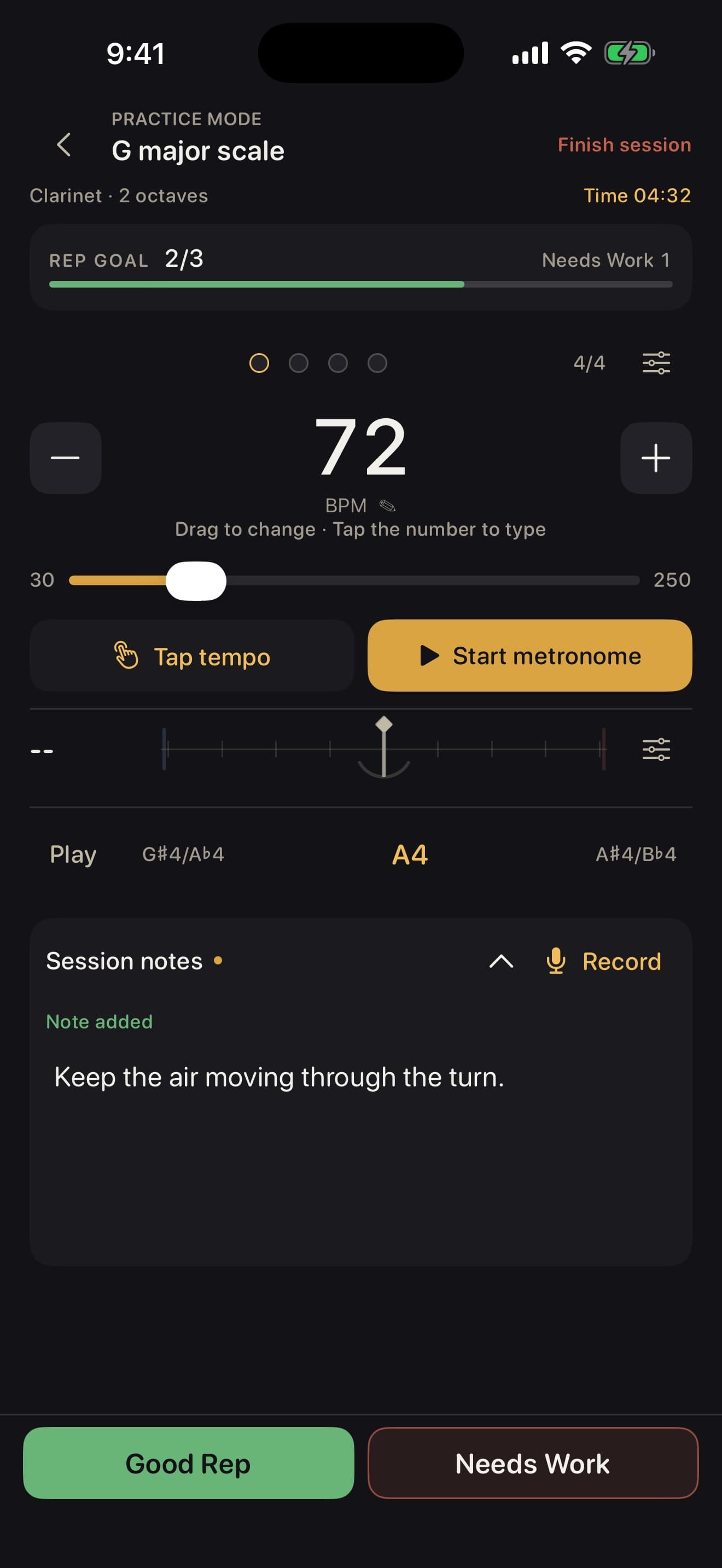
Open a plan and follow each step with the metronome, tuner, drone and countdown already on screen. Tap the title to bring the directions back. Use Hear It for a reference sample, mark Good Reps, and add practice notes or voice notes.
Finish and see the week
Finish the session. See the week.
Finish Session records the work. Your weekly view shows what is done and what is left.
The teacher sees
Your teacher sees what you finished.
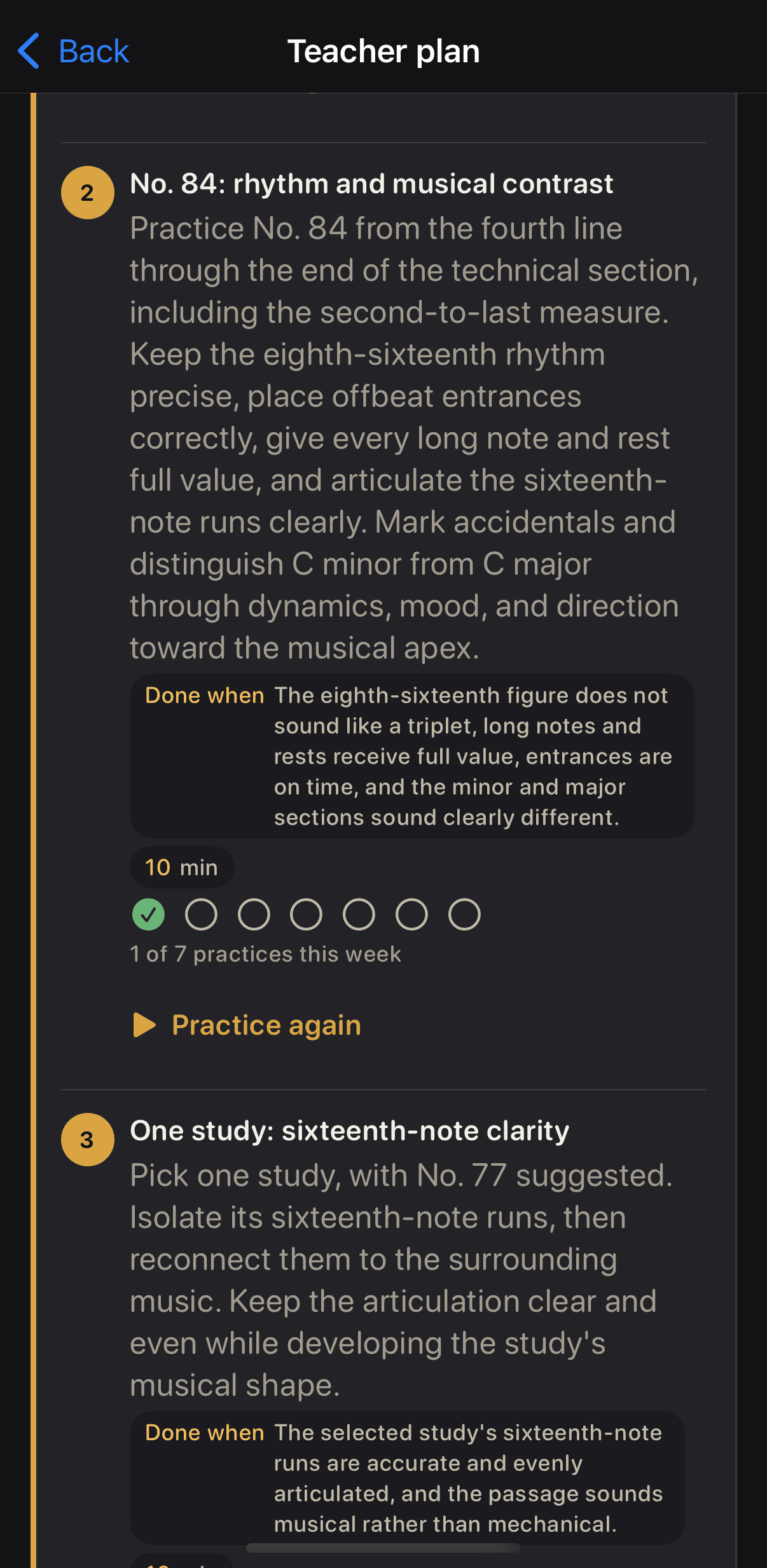
Your connected teacher sees completed work and weekly practice summaries. Practice time, repetitions and streaks show the week's activity without ranking students against each other.
Assign the next plan
The next plan picks up from here.
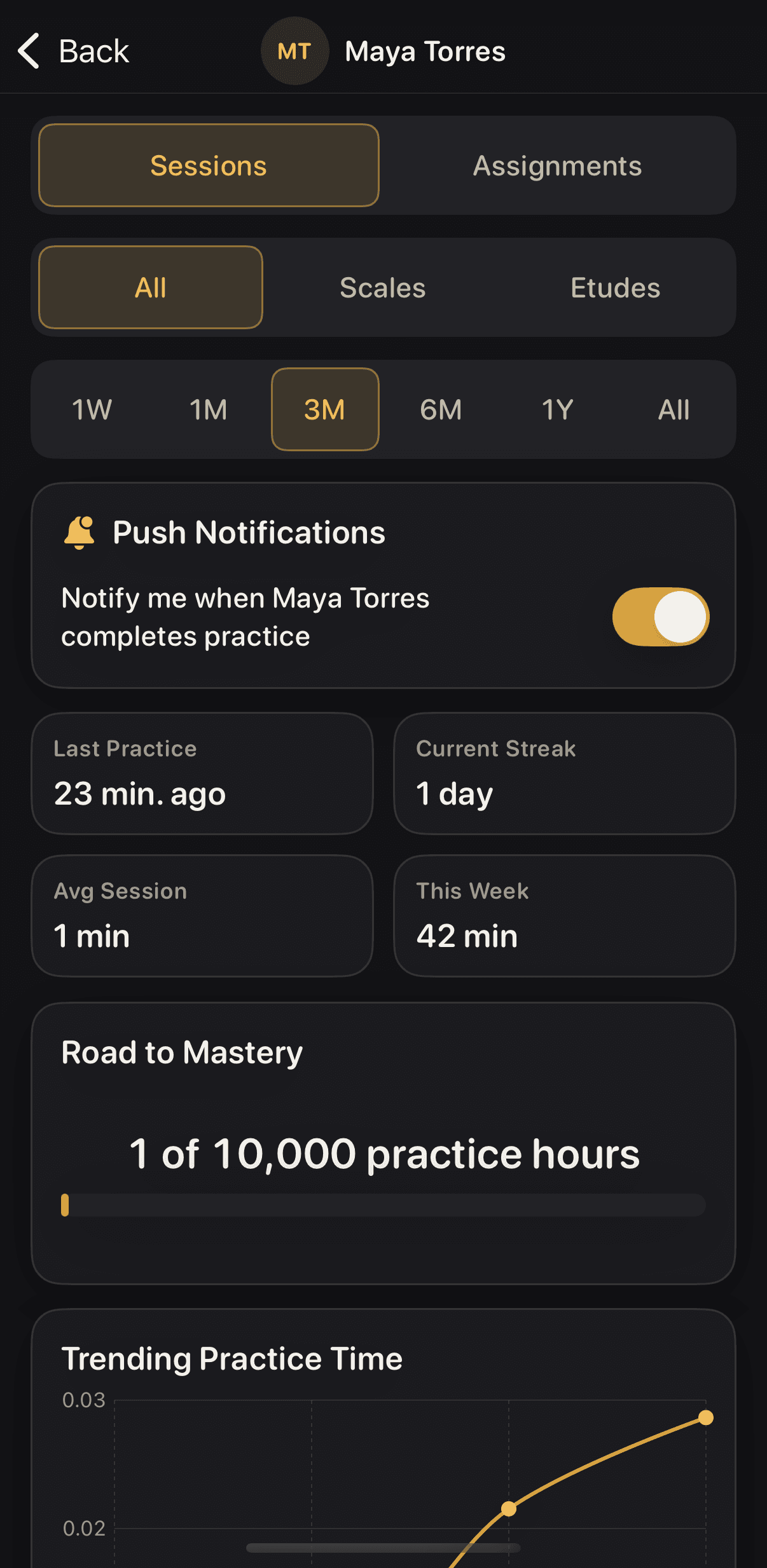
Your teacher reviews the week and assigns the next plan. Open it and keep practicing. On your own, review your progress and continue with the Method Book.
Practice the next plan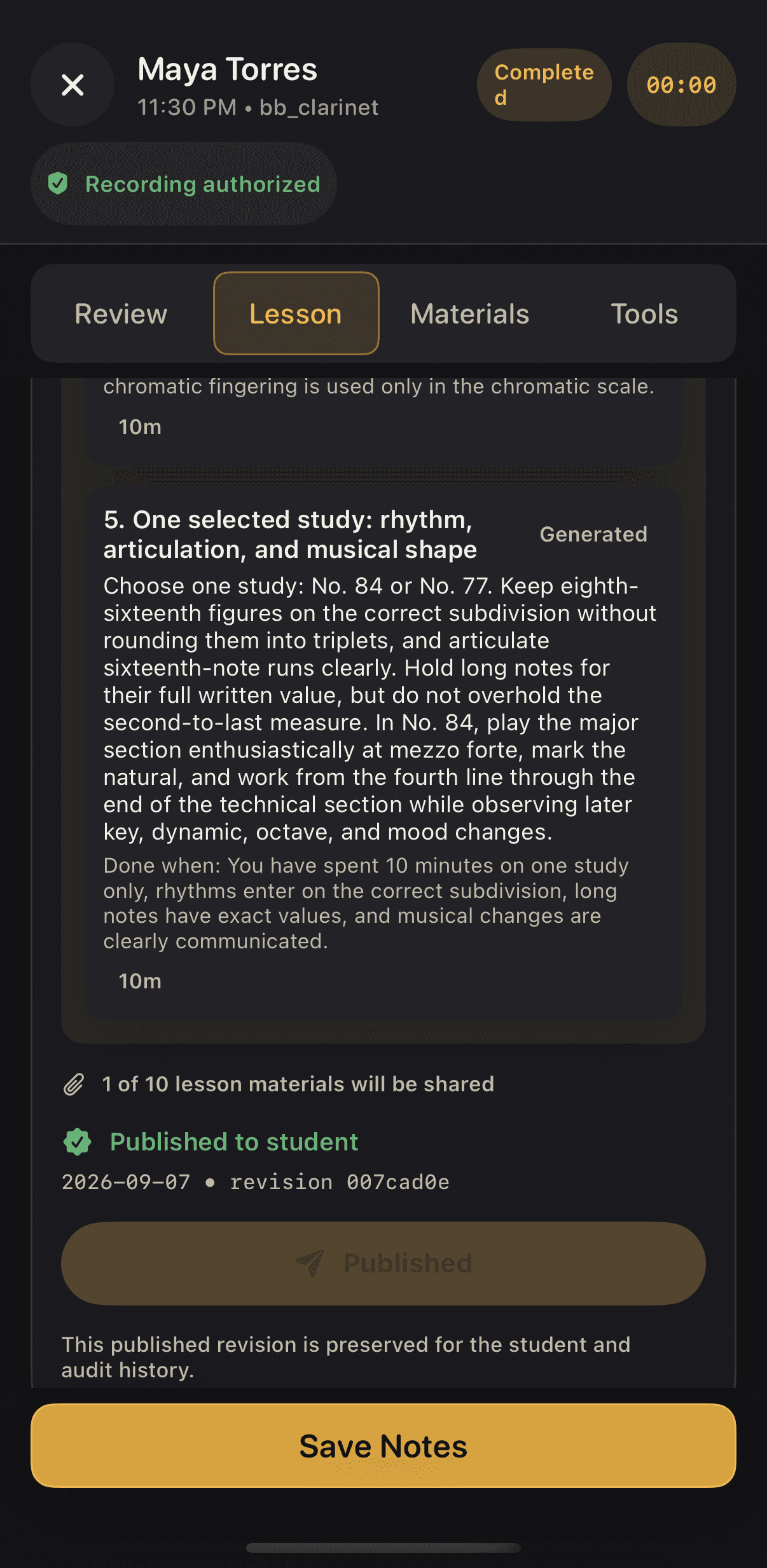
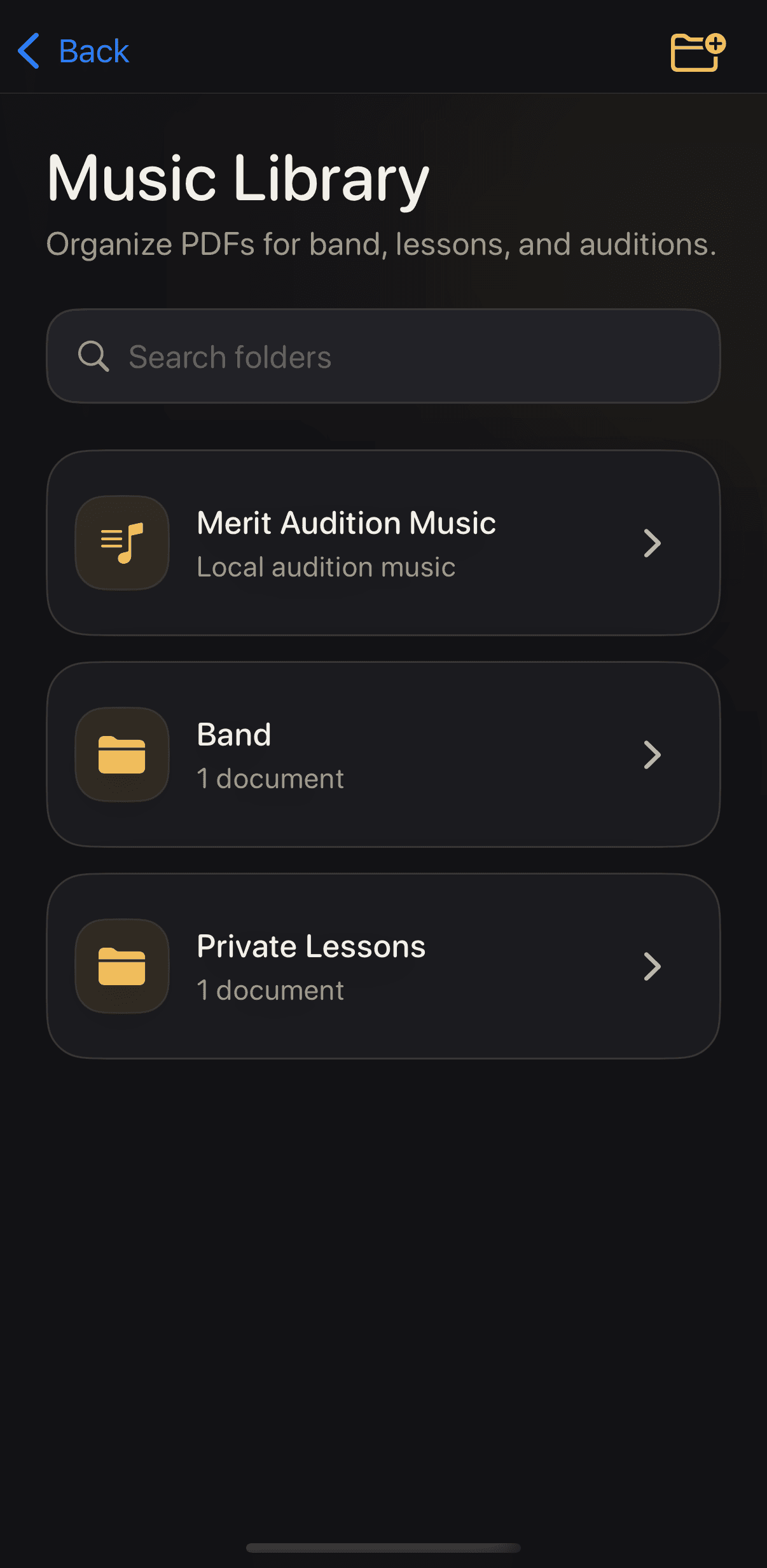
Keep the music close
Your music belongs beside your practice.
Keep your imported music, saved assignments and Merit School of Music's 2026-27 audition music in the Library.
Review a take
Save a take worth hearing again.
Keep a final take for your own review and play it back. Recorded scales can include a scale note check. It stays private unless you share it with a connected teacher. The app does not turn a recording into a complete performance score.
Teach with it. Your account stays free.
Teacher accounts are free, permanently. Lesson Mode transcribes a recorded lesson and uses AI to draft a practice plan and recap grounded in what was said. You review the draft and publish the plan.
Lesson Mode is Virtunity's only AI feature.
Explore the free teacher tools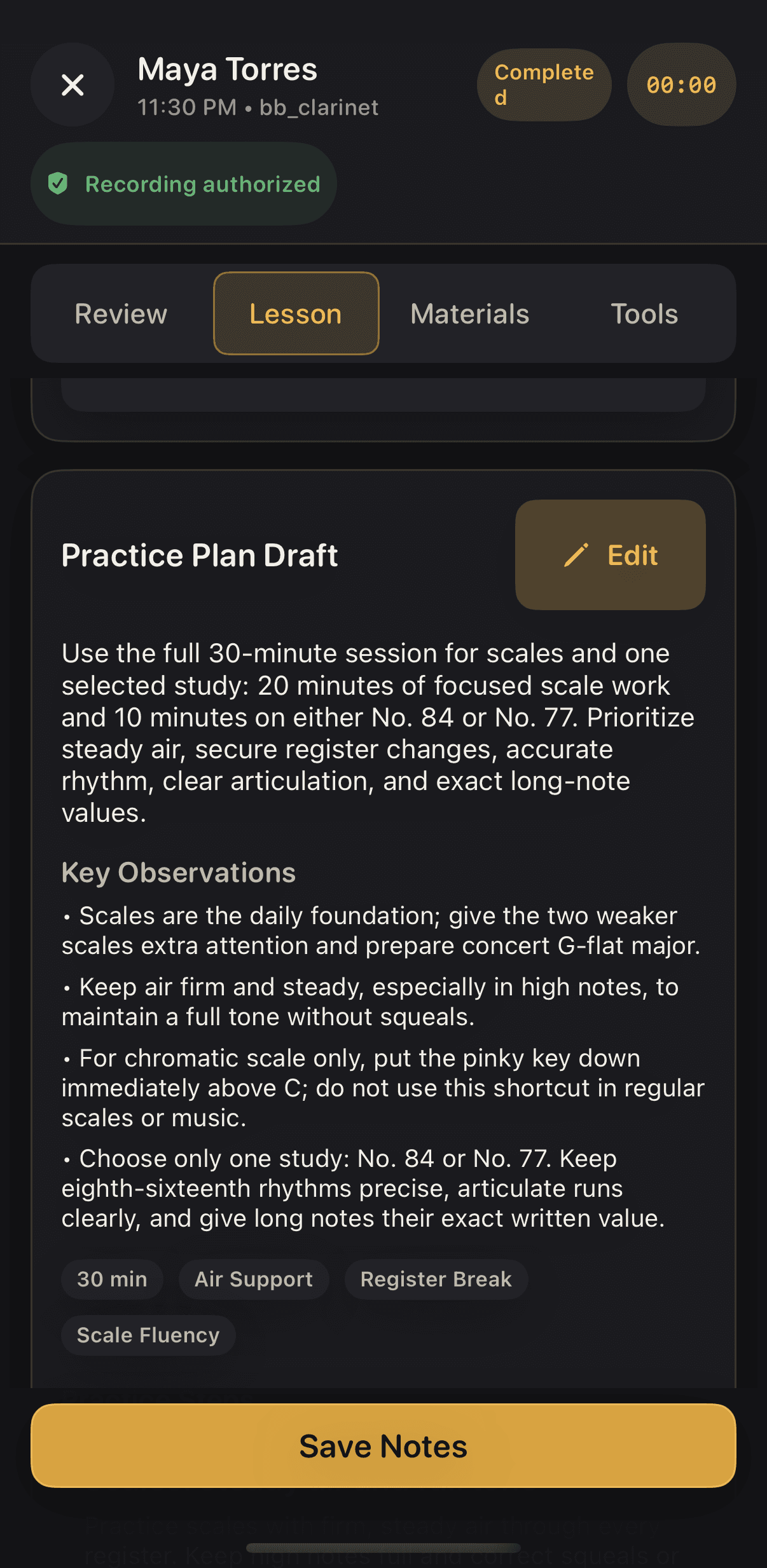
Work on one skill between plan steps.
Check the notes in your scale.
Scale Checker confirms scale notes on your iPhone.
Notes only. Not tone, rhythm or a complete performance.
Give one skill a little extra work.
Use short skill modules between plan steps, including rhythm practice. The Lab is a place for focused extra work alongside your practice plan.
One student subscription. Everything included.
Your first month is free. Then choose $9.99 per month or $79.99 per year, with everything included in one tier. Teacher accounts are free, permanently.
Subscriptions renew automatically until canceled. Manage or cancel through your Apple Account subscription settings.
Accounts created on or before August 27, 2026 received lifetime free access. That enrollment window is closed.
Built by a working band director for his own students.